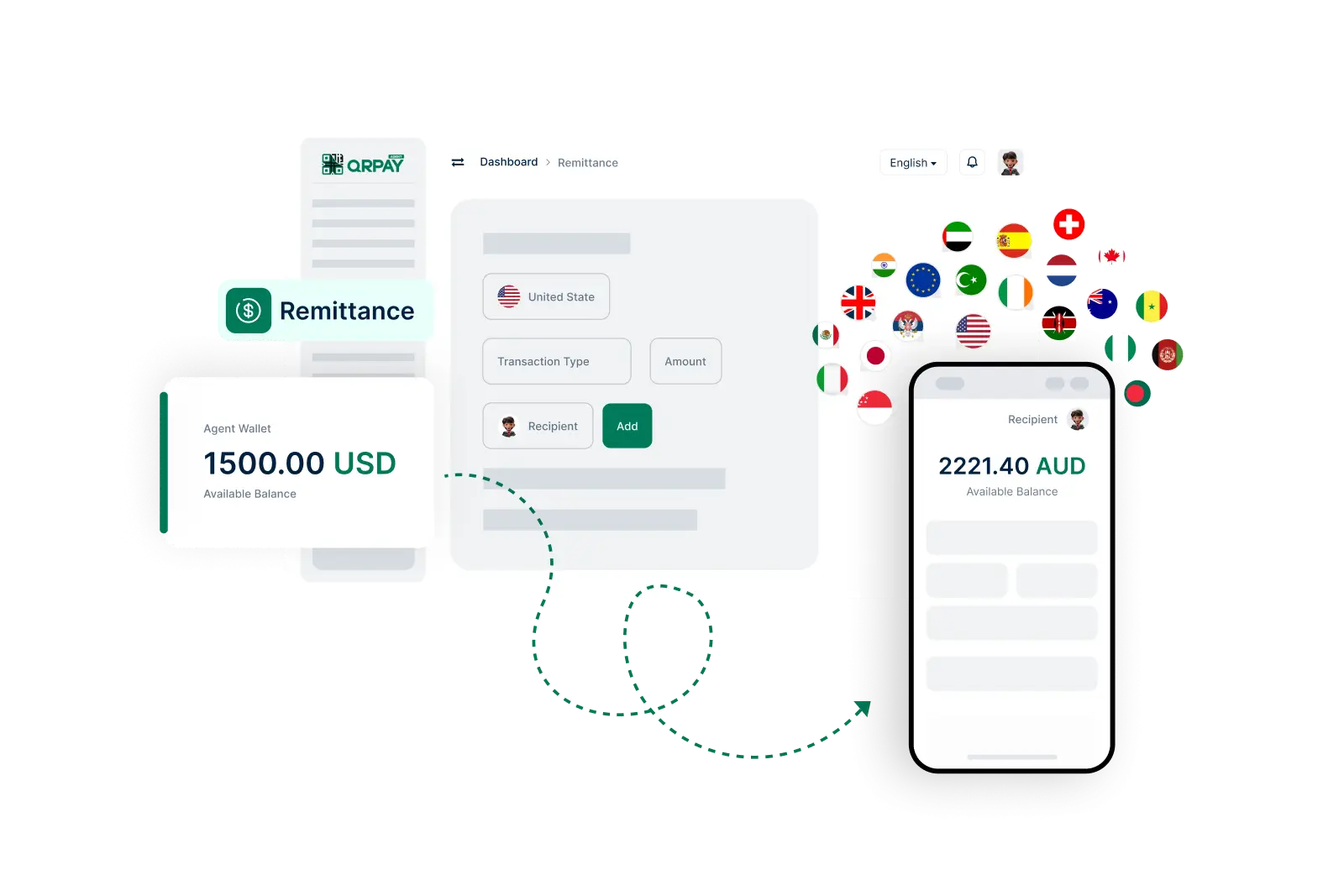
Follow these straightforward steps to send money to users quickly and reliably.
Frequently Asked Questions About Remittance on Zovo Pay
Find answers to common questions regarding remittance services for agents.
How do I send a remittance using Zovo Pay?
To send a remittance, log into your account, select the ‘Remittance’ option, enter the recipient's details, choose the amount, review the transaction, and confirm the transfer.
Is there a limit on how much I can send through remittance?
Yes, there may be limits on remittance amounts based on your account type and the recipient's location. Check the terms in your account settings for specific limits.
How long does it take for the recipient to receive the funds?
Funds are typically transferred instantly, but some transactions may take longer depending on the recipient's country and local banking processes.
Are there any fees associated with sending remittances?
Fees may vary depending on the amount sent and the destination country. Please review the fee structure in your account settings for detailed information.
We may use cookies or any other tracking technologies when you visit our website, including any other media form, mobile website, or mobile application related or connected to help customize the Site and improve your experience. Privacy & Policy